
[resume_builder]
Introduction to Workers Direct AI Powered Resume Builder
Workers Direct offers a free AI-powered resume builder online that makes creating professional resumes quick and easy. The resume builder is optimised for 2023 job search needs.
 The Workers Direct resume builder is designed to minimise effort while maximising impact. Follow these steps:
Introduction to Workers Direct AI Powered Resume Builder 
Workers Direct offers a free AI-powered resume builder online that makes creating professional resumes quick and easy. The resume builder is optimised for 2023 job search needs.
Overview of Key Features
– AI-powered assistant provides suggestions and examples – Modern, professional resume templates to choose from – Customisable sections and formatting options – Error checking and optimisation of resume – Ability to tailor resume with keywords from job description – Download PDF or plaintext resume formats – Print and share resume with one clickHow the Resume Building Process Works
The Workers Direct resume builder is designed to minimise effort while maximising impact. Follow these steps:
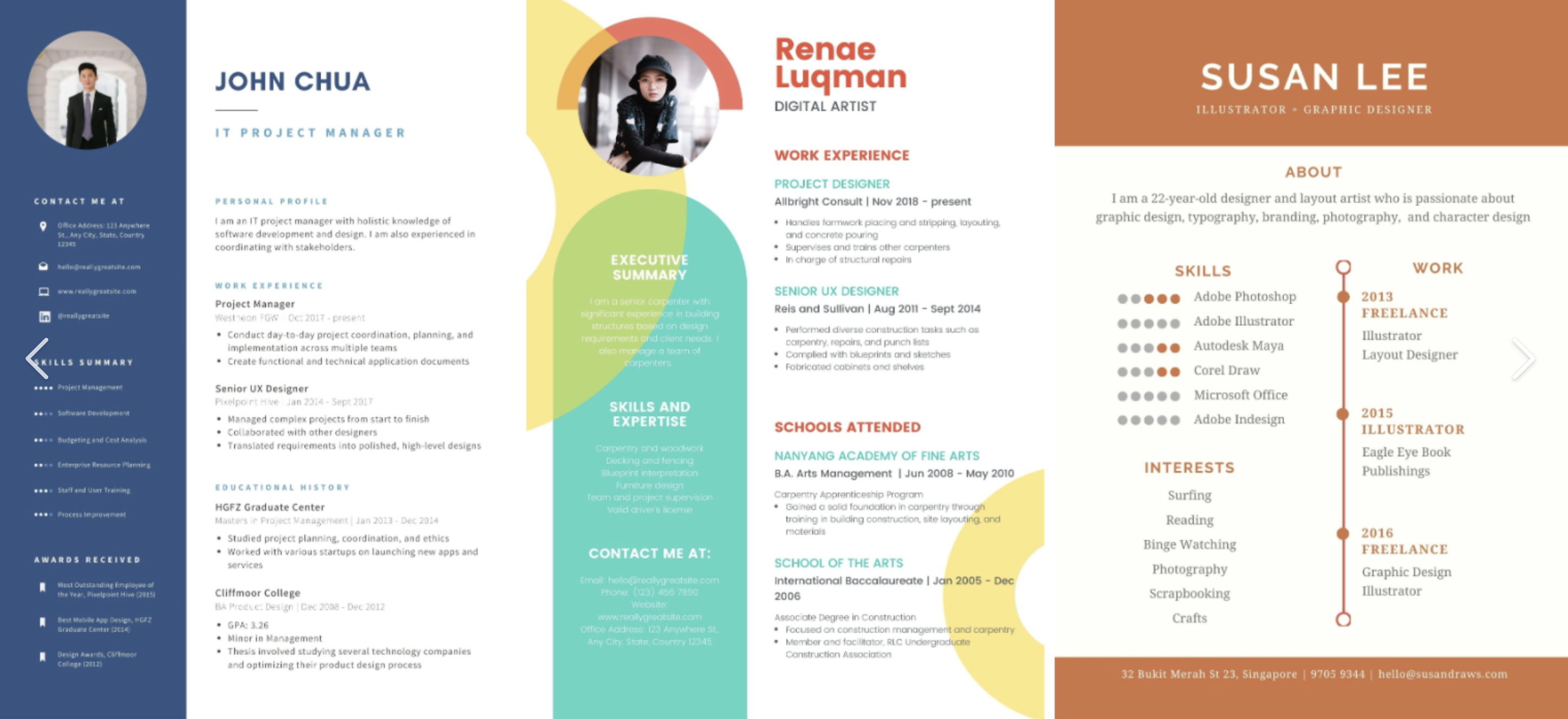
Step 1: Select Template
– Browse beautiful pre-designed resume templates in different styles. – Choose one that best fits your preferences and industry.Step 2: Enter Profile Details
– Fill in basic personal, education, and work details. – The tool will auto-fill related fields as you go.Step 3: Customise Resume Sections
– Add, edit, re-order sections as needed. – Get AI suggestions & examples for content. – Tailor to highlight your value and achievements.Step 4: Optimise with Job Description
– Paste text from job description. – Resume will be customised to use relevant keywords.Step 5: Download & Share Resume
– Get perfectly formatted PDF and plaintext resumes. – Easy options to print or email resume from the builder.Benefits of Workers Direct Resume Builder
Saves You Time
– AI builder creates optimised resumes in minutes vs. hours manually. – Simply provide your personal details and job description.Content Optimisation
– AI gives examples and suggestions to customise content for you. – Quantifies achievements e.g. % improvements or dollar amounts.Hassle-Free Formatting
– No need to struggle with design and formatting. – AI handles this for you based on selected template.Job Description Matching
– Tool customises resume to match keywords from job description. – Highlights skills and value most relevant for the role.Quick Customisation
– Easily make changes to sections, order, formatting as needed. – Unlimited ability to undo/redo changes while building.Key Sections to Include
- Contact Info:** Name, phone number, email, city, LinkedIn URL.
- Summary:** Brief background, years of experience, key skills.
- Skills:** Technical expertise, tools, soft skills like communication.
- Work Experience:** Company, title, dates, achievements.
- Education:** School, degree, year of graduation.
- Awards & Honors** (optional)
- Certifications** (optional)
Formatting Tips
– Stick to 1 page for 5-10 years experience, 2 pages max. – Use consistent formatting for spacing, fonts, dates, bullets etc. – Emphasise important information with bold, italics, or underline. – Order sections chronologically with newest first. – Right align your contact info, left align other text. – Use action verbs to start description points. Quantify achievements. – Do not use first person pronouns like “I” or “me”.Pros of Using Workers Direct Resume Builder
Easy and Intuitive
The interface is designed for user-friendliness. Simply enter details as prompted and get AI suggestions.Speed
With AI assistance, resumes can be created in minutes instead of hours.Mobile Friendly
The resume builder works on smartphones and tablets in addition to desktop.Format Consistency
Tool ensures properly formatted resume since it handles design and layout.Optimisation
AI provides tips and examples to create optimised, high-impact resume content.Error Checking
Automated error checking catches duplicates, inconsistencies before finalising resume.Job Matching
Paste job description to tailor resume using matching keywords and details.Unlimited Edits
Make unlimited changes to sections, content or formatting before downloading.